Overlays you can place: put them anywhere on your show
9 November 2026 · 1 min read · The Biddurs team
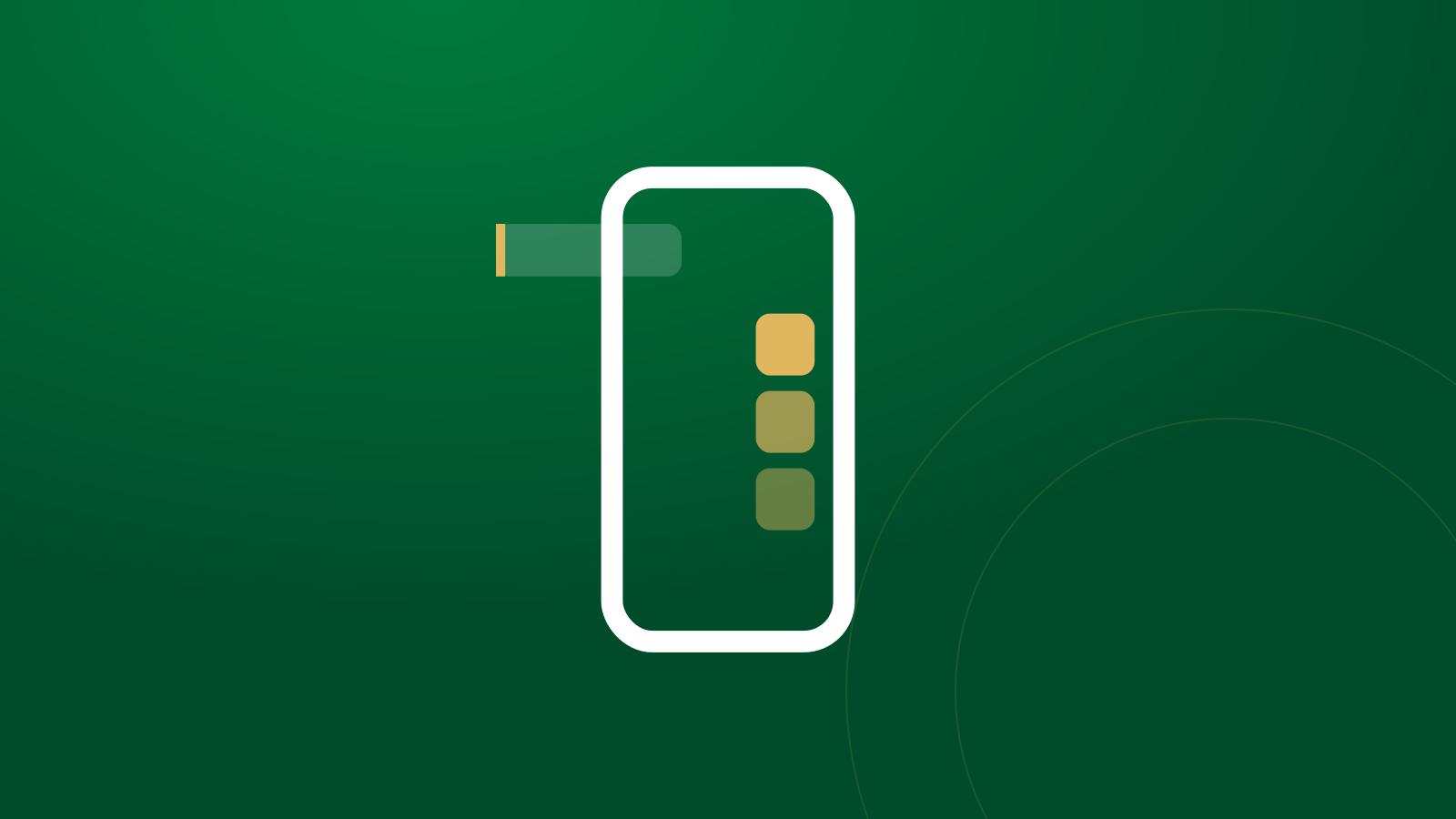
Your show, your layout. Overlays like top bidder, the follow alert and the likes goal no longer sit in a fixed column. You choose where each one goes.
Drag, resize, colour
On the live console, open the Overlays widget and press Edit layout. Then, on your stream preview:
- Drag an overlay anywhere in the phone window.
- Resize it from the corner.
- Colour it with one of five Biddurs colours: Ink, Green, Dark green, Goldie or White glass.
Overlays stay clear of the header and the lot card, so they never hide the item. Changed your mind? Reset positions puts everything back.
Test before you go live
Overlays have a Test button. Press it to see the overlay on your preview, like a follow alert popping up, without waiting for a real follower.
Viewers see it where you put it
Your layout is saved with your shop. Viewers on the app and on the website see each overlay in the place, size and colour you picked.
New to overlays? Here's what each overlay shows. Set up the rest of your screen with the new live console.
Biddurs isn't open yet. Join the waitlist and we'll email you the day it opens.